Feature Operations
Manage multiple brands in one account
Enterprise accounts can now run several brands from one login, each with its own data, team access, alerts and notification connections.
If your organization manages more than one brand, you can now switch between them from a single login using the brand switcher in the header. Each brand gets its own store stats, trending products, data grids (carts, customers, orders, products), analytics and SEO reports, data source connections, and alert settings, so nothing from one brand leaks into another.
Alert notifications are also delivered per brand: messages for a brand only go to that brand's connected channels (like Slack or email), while any org-wide settings keep working as before. This makes it easy for teams running multiple storefronts to keep each brand's data, team access and alerts cleanly separated without juggling multiple accounts.
Available on Enterprise
Improvement Operations
Cleaner stock info for digital products
Digital and non-tracked products no longer show misleading stock labels.
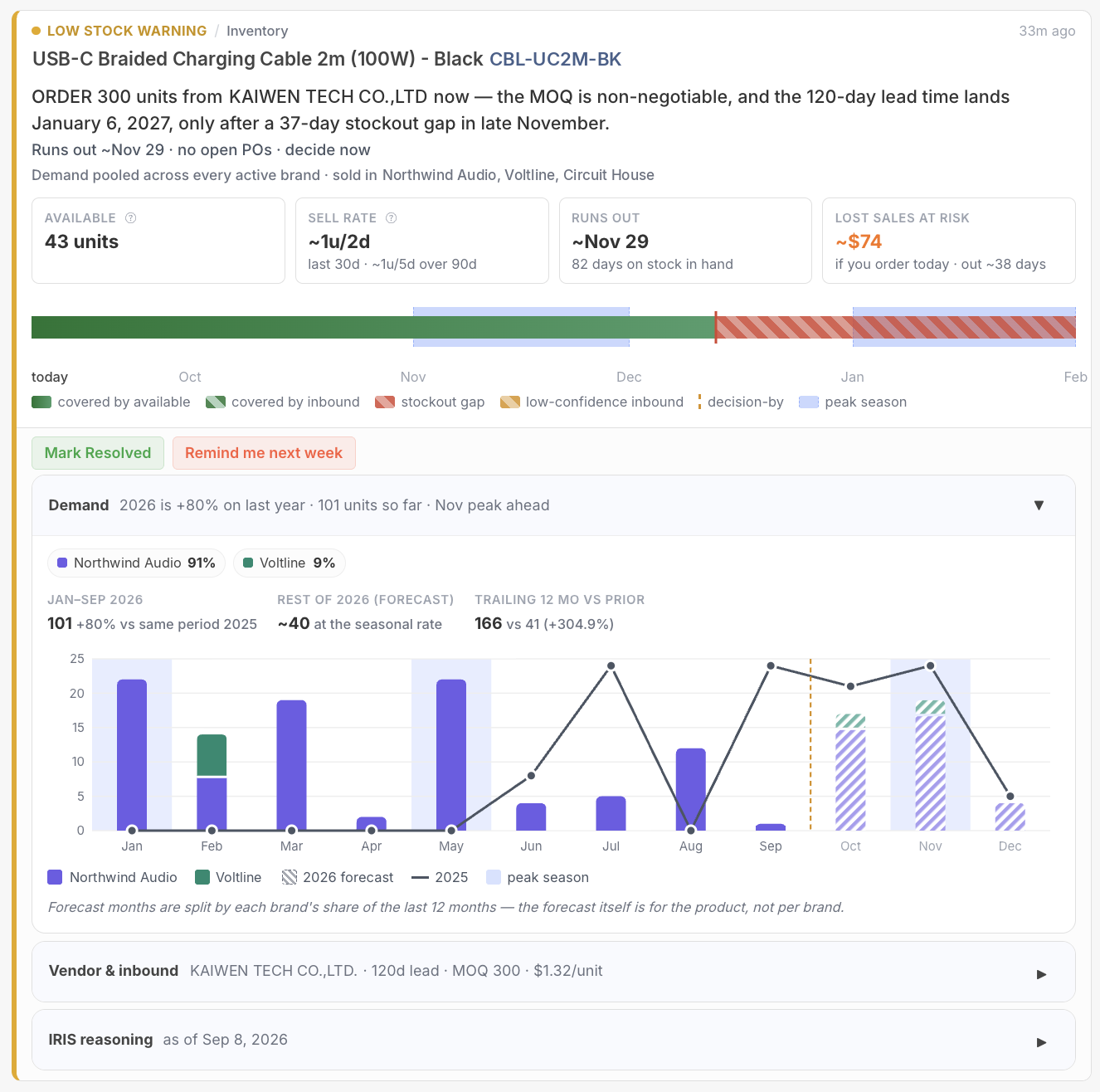
Products that don't track inventory, like digital goods or items you manage outside of stock counts, no longer show confusing stock warnings or quantities. We now recognize when a product isn't tracked and hide inventory sections that don't apply to it, including the "days left" warning on abandoned carts.
For Shopify stores, this now reflects your actual inventory tracking setting on each product, so the stock information you see always matches how you manage that product.
Available on Startup Business Corporation Enterprise