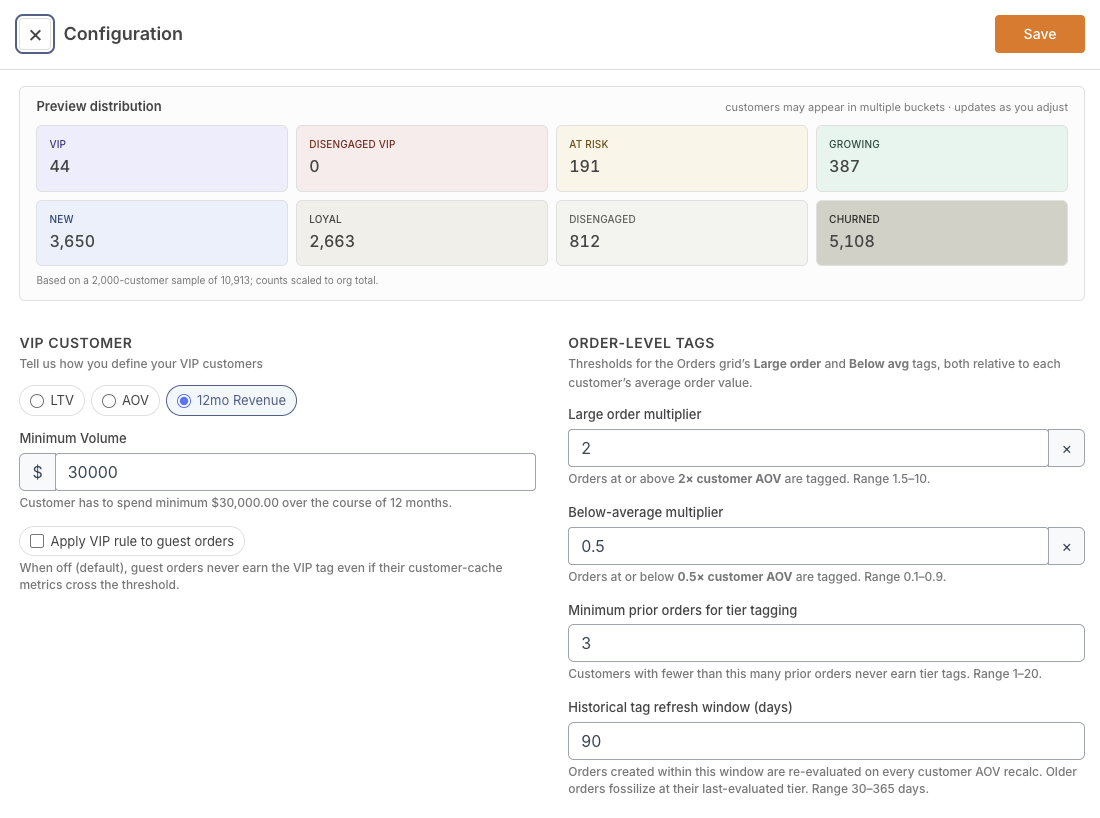
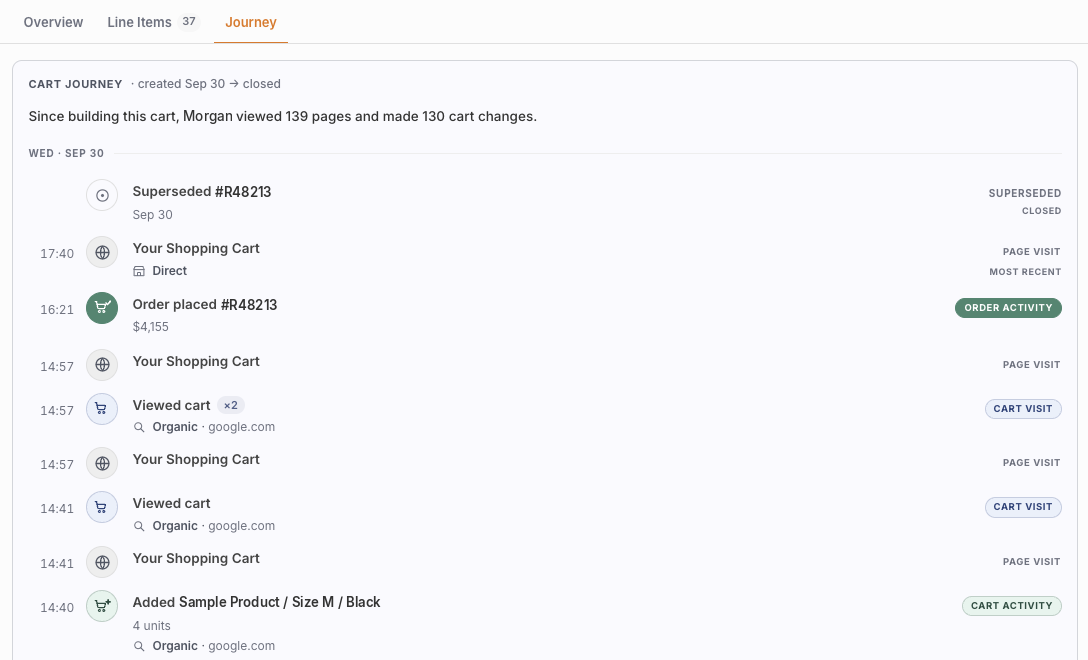
New tabs for customer profiles
Customer profiles are now organized into tabs for Overview, Cart, Journey and Orders.
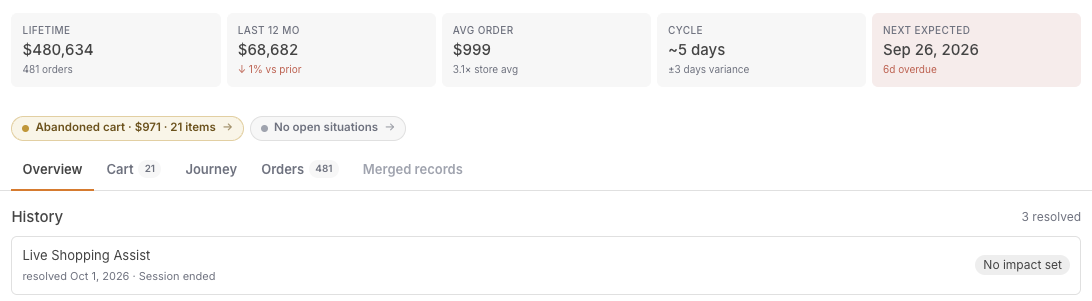
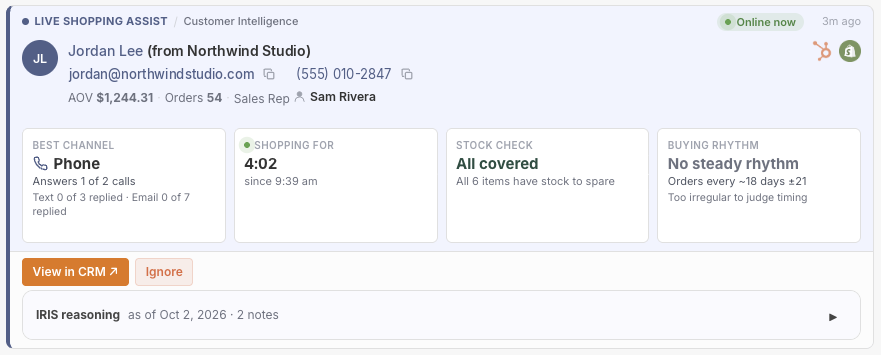
The customer detail panel has a new layout: a sticky bar at the top always shows a shopper's live cart status and open situations, with tabs below for Overview, Cart, Journey, and Orders. Store owners and admins land on Overview by default, while team members handling day-to-day activity land on the new Cart tab, where they can see exactly what's in a shopper's cart right now.
This makes it faster to get to the information each person needs most, without losing sight of what matters — a shopper's live cart and any open situations stay visible no matter which tab you're on.
Available on Startup Business Corporation Enterprise